Google Ads · Search Campaigns
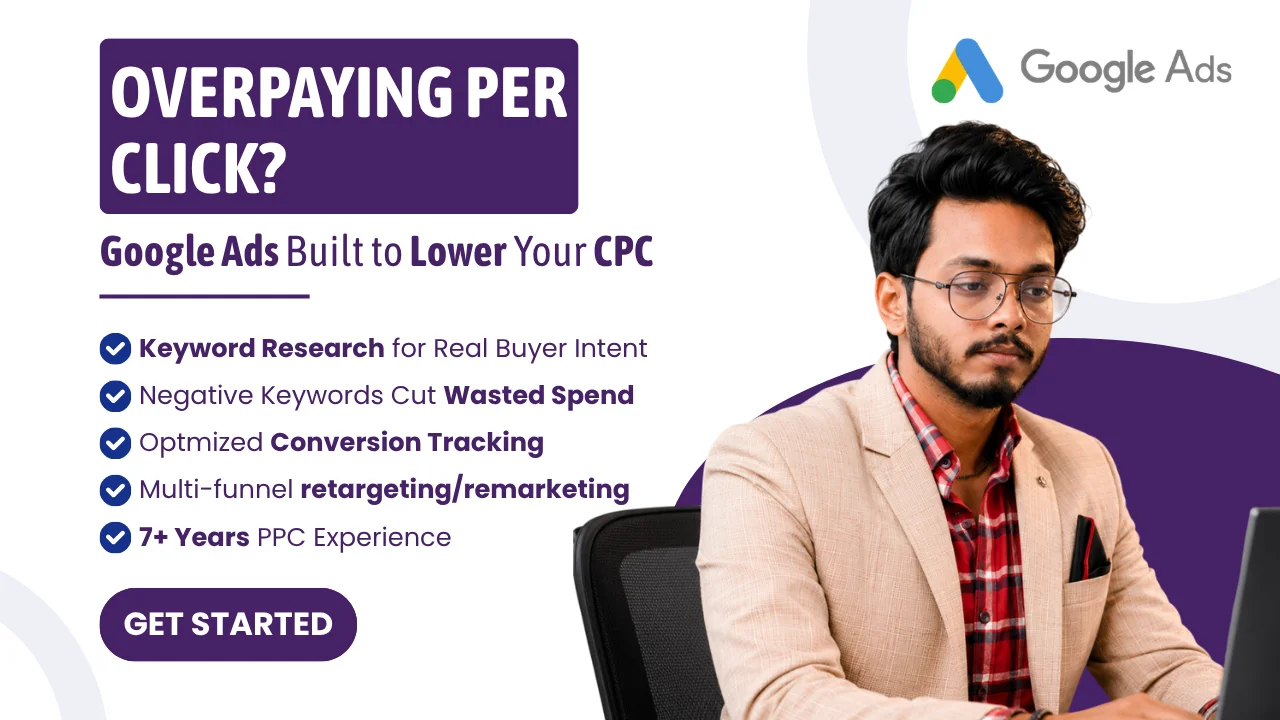
Every click costs money.
How many of yours
are ?
- ✓ Keyword research built around buyer intent
- ✓ Negative keywords cut wasted spend
- ✓ Conversion tracking configured from day one
- ✓ 7+ years of hands-on PPC experience
Limited client capacity — I work with a small number of businesses at a time to ensure quality.
Project details
Setting up a Google Ads account is the easy part — Google’s own wizard will happily have you live within twenty minutes. Setting one up so it doesn’t quietly burn budget on searches that were never going to convert is the part that takes 7 years to get consistently right. My approach starts before the first campaign is built: keyword research weighted toward buyer intent rather than raw volume, negative keywords in place from day one, and conversion tracking configured so every click is accountable to a real outcome. I’ve run this playbook across regulated categories like healthcare, where ad policy compliance is a real constraint, and B2B accounts where the sales cycle is long and lead quality matters more than lead count — pay-per-click advertising works differently depending on which of those you’re solving for, and the setup should reflect that from the start.
What I offer
- — Keyword research targeting real buyer intent, not just search volume — the difference between traffic and traffic that converts
- — Tight ad grouping structured to improve Quality Score, which is what actually brings your CPC down over time
- — Conversion tracking installed from day one, so every rupee spent is accountable to a result
- — Negative keyword management so your budget stops funding searches that were never going to convert
- — For new accounts specifically: an account structure built to scale, not a single campaign that has to be rebuilt the moment you want to expand
What's included
| Service tier | Starter | Standard | Advanced |
|---|---|---|---|
| Audience targeting suggestions | 2 | 4 | 6 |
| Ad extensions | 2 | 4 | 6 |
| Ad copy suggestions | 2 | 4 | 6 |
| Account setup | ✓ | ✓ | ✓ |
| Campaign QA before launch | — | ✓ | ✓ |
| Ongoing management | — | — | ✓ |
Optional add-ons
- Fast delivery+₹2,000–4,000
- Additional audience targeting suggestion (+1 day)+₹1,000
- Negative keyword list setup (+1 day)+₹1,500
- Advanced tracking setup — GA4 + GTM (+2 days)+₹3,000
Relevant portfolio
Certifications
Independently verified, not self-reported — every certificate below links to its original issuer for confirmation.
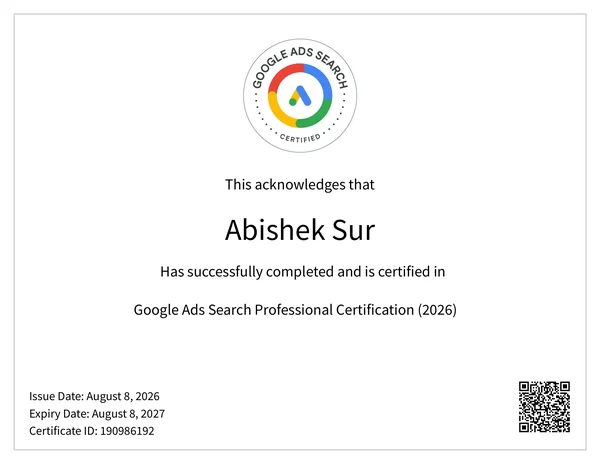
Google Skillshop
Google Ads Search Professional Certification
Official Google certification covering Search campaign strategy, keyword and bidding fundamentals, ad creation, and measurement — the same platform this site's own Google Ads service is built on.
Valid August 2026 – August 2027
View Certificate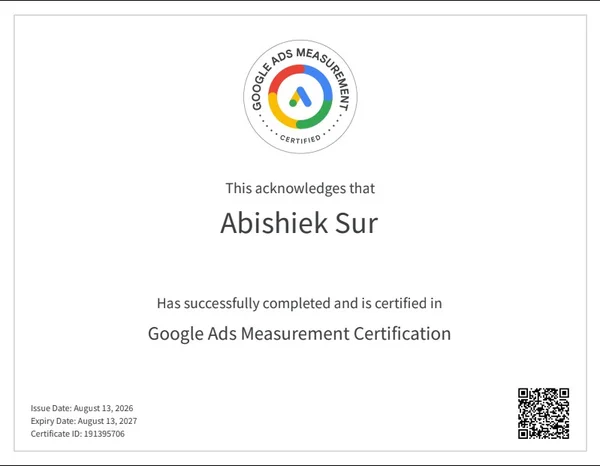
Google Skillshop
Google Ads Measurement Certification
Covers Google's conversion measurement stack — conversion tracking setup, attribution models, and reading measurement data to actually judge campaign performance, not just report it.
Valid August 2026 – August 2027
View Certificate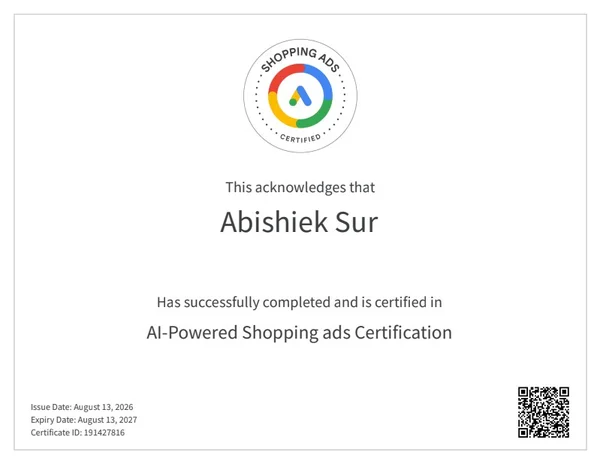
Google Skillshop
AI-Powered Shopping ads Certification
Covers Shopping campaigns built around Google's AI-driven bidding and feed optimization — how the automation actually makes decisions and where a human still needs to steer it.
Valid August 2026 – August 2027
View Certificate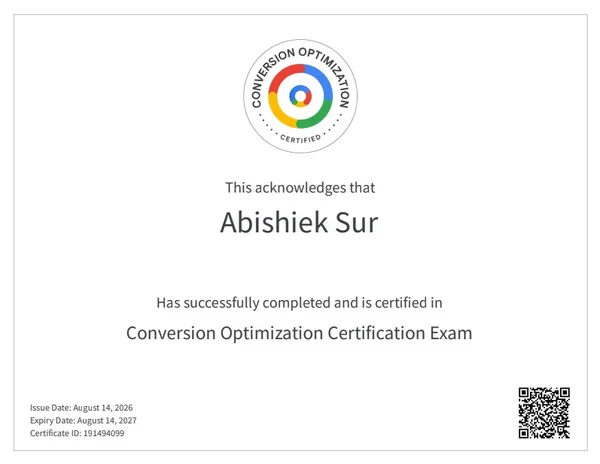
Google Skillshop
Conversion Optimization Certification Exam
Focused on structuring campaigns and landing experiences around measurable conversion actions — the same discipline this site's own tracking stack is built to support.
Valid August 2026 – August 2027
View Certificate
HubSpot Academy
Digital Marketing Certified
Covers digital marketing with an inbound mindset — SEO-friendly content, website optimization, social media strategy, video, paid amplification, and measuring what actually worked.
Valid August 2026 – September 2027
View Certificate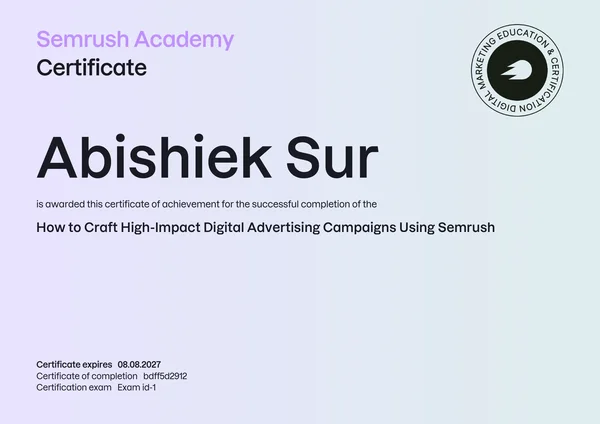
Semrush Academy
High-Impact Digital Advertising Campaigns Using Semrush
Focused on building digital advertising campaigns using Semrush's own research and planning tools — competitive research feeding directly into campaign strategy.
Valid August 2026 – August 2027
View CertificateFrequently asked questions
What do I need to get started?
Access to your Google Ads account (or we create one together if you're new to it), your website URL, and a sense of your monthly ad budget.
Is ad spend included?
No — the fee covers the setup and management work. You fund the Google Ads budget directly through your own account.
Can you guarantee a certain number of leads or sales?
No legitimate PPC service can guarantee results, since outcomes depend on your offer, pricing, and market as much as the campaign itself. What I can guarantee is a properly structured account with accurate tracking, which is the precondition for results being measurable and improvable at all.
Do you work with finance, loans, or gambling businesses?
These fall under Google's restricted categories with extra certification requirements. Message me with your specific business type before ordering and I'll confirm whether I can take it on.
Is conversion tracking included?
Basic conversion tracking setup is included at every tier. The Advanced Tracking Setup add-on covers full GA4 + GTM integration if you need it beyond the basics.
Steps for completing your project
- 1
Send requirements
Share your website, product or service, target locations, and monthly budget range.
- 2
Discovery & access setup
We confirm goals, budget, and the website. You add me as a standard user on your Google Ads account, or we set one up together.
- 3
Keyword & audience research
I research keywords and audience targeting suited to real buyer intent, not just volume, plus a negative keyword list to cut wasted spend early.
- 4
Build & QA
Campaign structure, ad copy and extensions are built, then checked against Google's policies and your tracking setup before launch.
- 5
Review, release, feedback
You review the live campaign, release payment, and I remain available for the first round of post-launch questions.
Get started with Google Ads Setup & Management
Other services
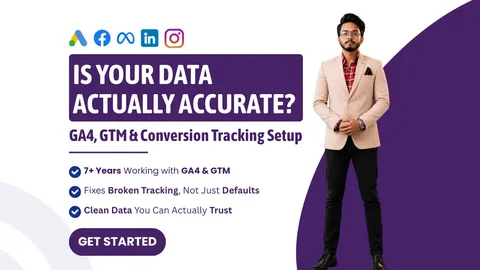
GA4, GTM & Conversion Tracking Setup
Your dashboards say everything's fine. Are you sure?
From ₹4,999 →
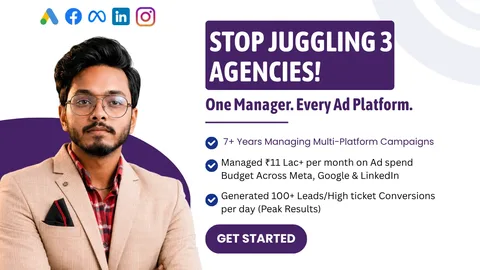
Google, Meta & LinkedIn Full Account Management
One person. Three platforms. Zero finger-pointing.
From ₹7,999 →
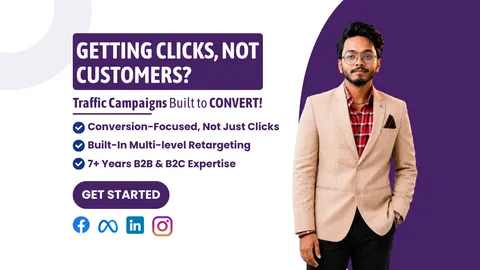
Meta Ads For Traffic & Conversions
Clicks are easy to buy. Customers are the valuable part.
From ₹4,999 →
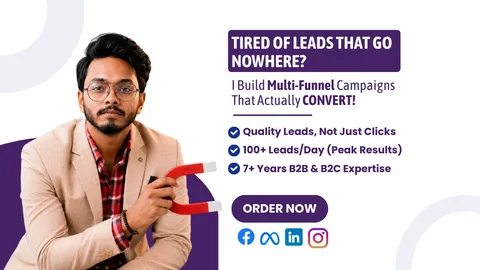
B2B & B2C Lead Generation
A cheap lead and a good lead are not the same thing.
From ₹4,999 →
Meta Ads Management For Leads & Sales
Running ads is easy. Running them profitably for days is the actual job.
From ₹4,999 →